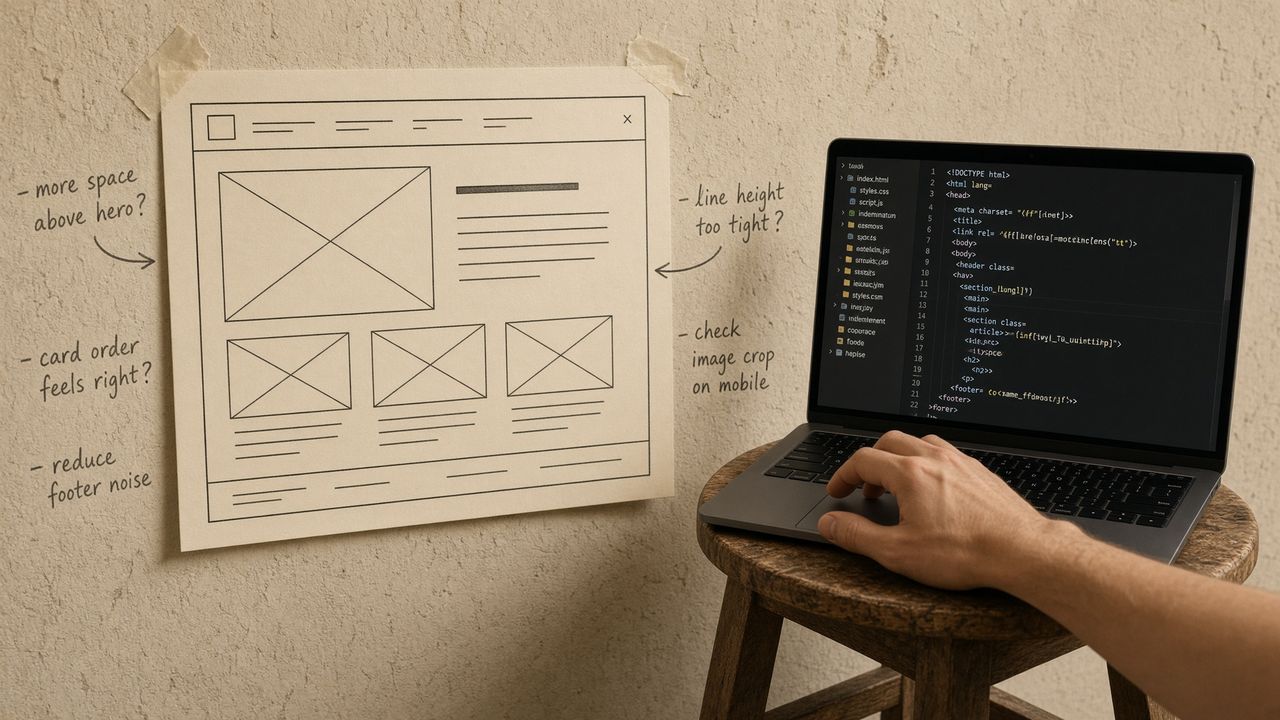
I used to drop a PNG of a frame into Cursor and write "make this." The agent would invent 13px padding, skip the variant, and pick a font that was "close." That is what a screenshot is: a rumor with pixels.
Figma's MCP is how you stop doing that.
What you install
The hosted endpoint is https://mcp.figma.com/mcp. Paste it as mcpServers.figma.url in mcp.json, reload, connect, allow access.
Figma's current Cursor docs also push /add-plugin figma, which wires the server plus some skills. Fine. The JSON is still that URL. Deep link if you like clicking.
OAuth uses your Figma user. The agent sees files that account can see. If the frame is in a draft only you opened, that is a feature.
What the tools actually are
Figma publishes the list. The ones I care about for "implement this frame":
get_design_contextreturns structured design context for a layer (their examples include React, Vue, HTML, iOS). This is the main call.get_variable_defsreturns the variables and styles on the selection. Spacing and color names, not vibes.get_screenshotreturns a PNG of the node. Use it to check, or to give the model eyes. Do not use it as the only input.get_metadatais the sparse tree: ids, names, types, positions.
There are more. Remote-only tools can create files, export assets, generate a FigJam diagram, list libraries. Write tools exist. Treat OAuth like editor access.
A Cursor forum post from March 2026 mentioned the Figma server listing 12 tools after connect. That number will move. The names above have been stable enough to prompt against.
Remote wants a link
This is the part people skip.
Desktop MCP (the Figma app listening on 127.0.0.1:3845) can read the current selection. Remote MCP does not know what you clicked in a browser tab on another machine. You paste a link to the frame or layer.
If tools load and come back empty, you probably authenticated and then pointed at nothing.
Do not run desktop and remote at once unless you enjoy guessing which get_screenshot just fired.
A prompt that uses it
After the server is green:
Implement the frame at this Figma URL. Call get_design_context and get_variable_defs first. Use the file's spacing and type styles. Do not invent tokens. If a component already exists under src/components, reuse it. Then open the page in Playwright and tell me whether the heading matches.
Swap in your path. The important sentences are the tool names and "do not invent tokens." Models love inventing tokens. They will do it while quoting your prompt back at you.
Figma's own examples are shorter: "generate my Figma selection in Vue" and "generate my Figma selection using components from src/components/ui." Those work when the client has a selection. On remote, attach the URL.
Where this sits in the rest of the stack
Figma is the source of the frame. Context7 is the source of the library you are implementing it in. Playwright is how you look at the result without squinting at a second screenshot. GitHub is the PR.
You do not need all of those at once. Figma plus Context7 is already a better loop than a PNG plus hope.
If the agent never calls Figma, you may have too many other tools loaded. That is The 40-tool limit, not a Figma outage. Toggle, new chat, name the tool.
And if you only needed a static export, you did not need MCP. You needed the export panel. Save the server for the days you want the variables.